Goodman A2L Fault "EAF" and How To Disable When Used In Non-A2L Applications VIDEO

Last updated: Oct 13, 2026
2368
views

Goodman A2L Fault EAF. How to disable.
The setting to change, with NO CALL for heat, cool, or fan (The control board must start out in an IDL mode.)
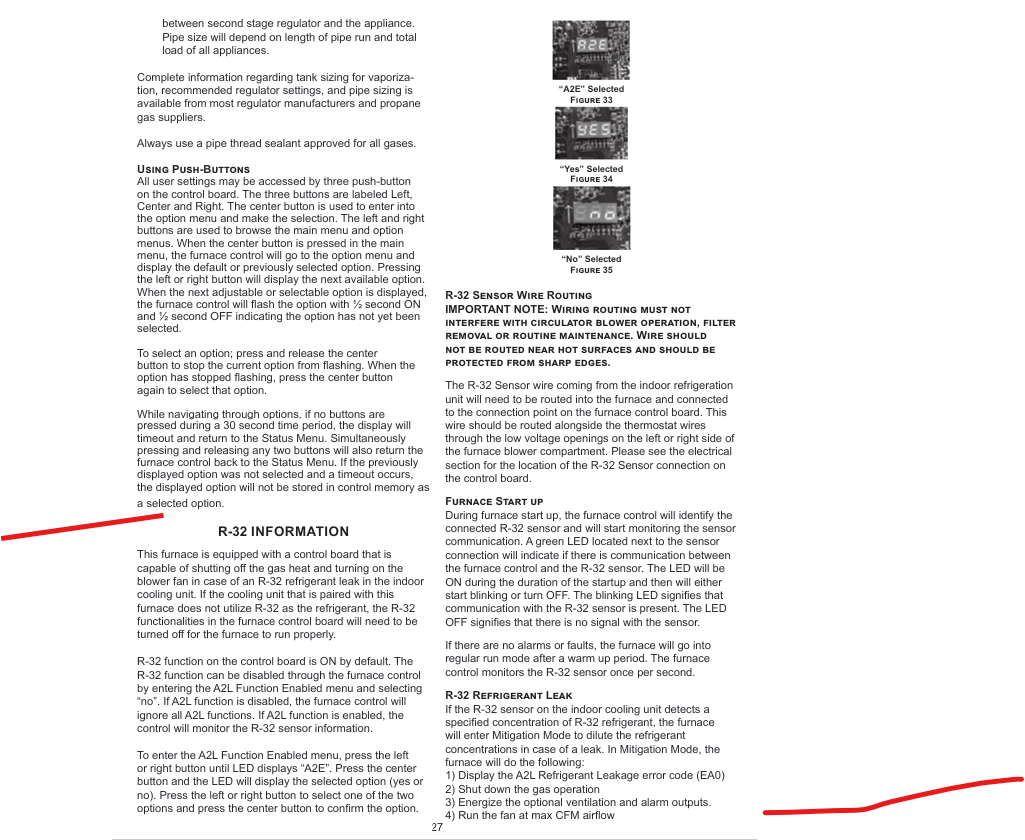
"A2E" is the selection to find in the menu.
Selection will be defaulted "YES".
Change this to "NO", confirm the setting by pressing the center button TWICE.
Reconnect the thermostat wires and test the operation.
Remember to change the A2E setting to "YES" when a R-32 indoor coil is installed.